Arrow keys
Walk and drive.
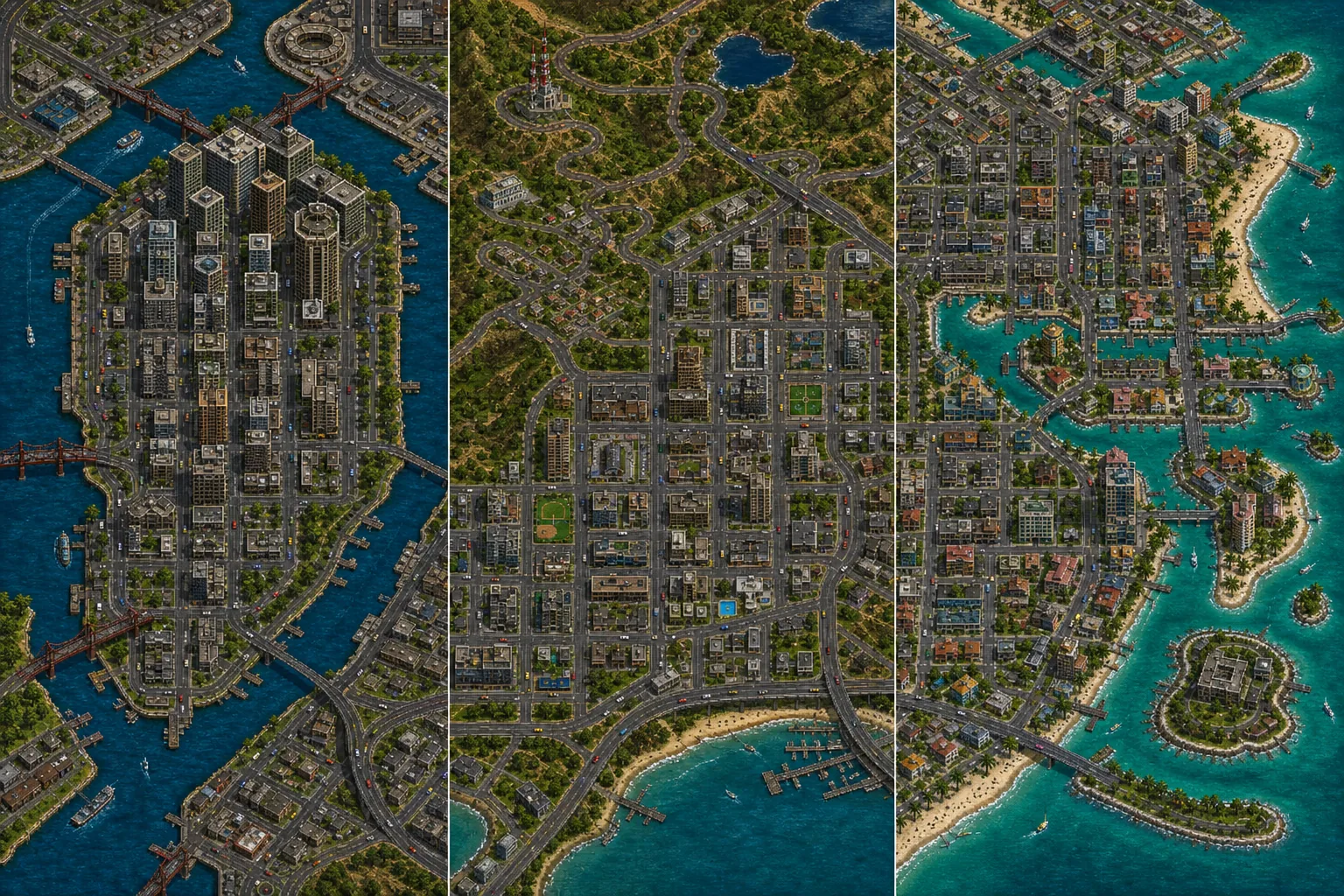
The engine loads only after you consent. It works most reliably on a computer with a keyboard or compatible gamepad.
The engine loads only after a click and uses neither your connection nor your device beforehand.
Open the game in a separate tab ↗Recommended: computer, keyboard and a modern browser.The technology runs on the Carnage3D project website; GTA HUB merely provides embedded access to the engine.
Keyboard or compatible gamepad
Arrow keys
Walk and drive.
Enter
Enter or leave a vehicle.
Ctrl · Z/X
Fire and change weapon.
An open reimplementation of the first GTA's engine, developed by the community. It was created independently of Rockstar and, thanks to being compiled to WebAssembly, runs directly in the browser.
When you first launch it, the browser downloads both the engine and the game data. Subsequent launches are usually faster because some of the data remains in the browser cache.
On a computer with a keyboard. The engine loads on a phone, but the controls are designed for keys, so playing is considerably harder.
No. Carnage3D is a community project and runs on its authors’ website; we only embed it in a frame. Rockstar and Take-Two are not affiliated with it.