How often is the list refreshed?
Every 15 minutes from the public MTA server list. Servers report their player counts themselves; we just collect, sort and store them in the history.
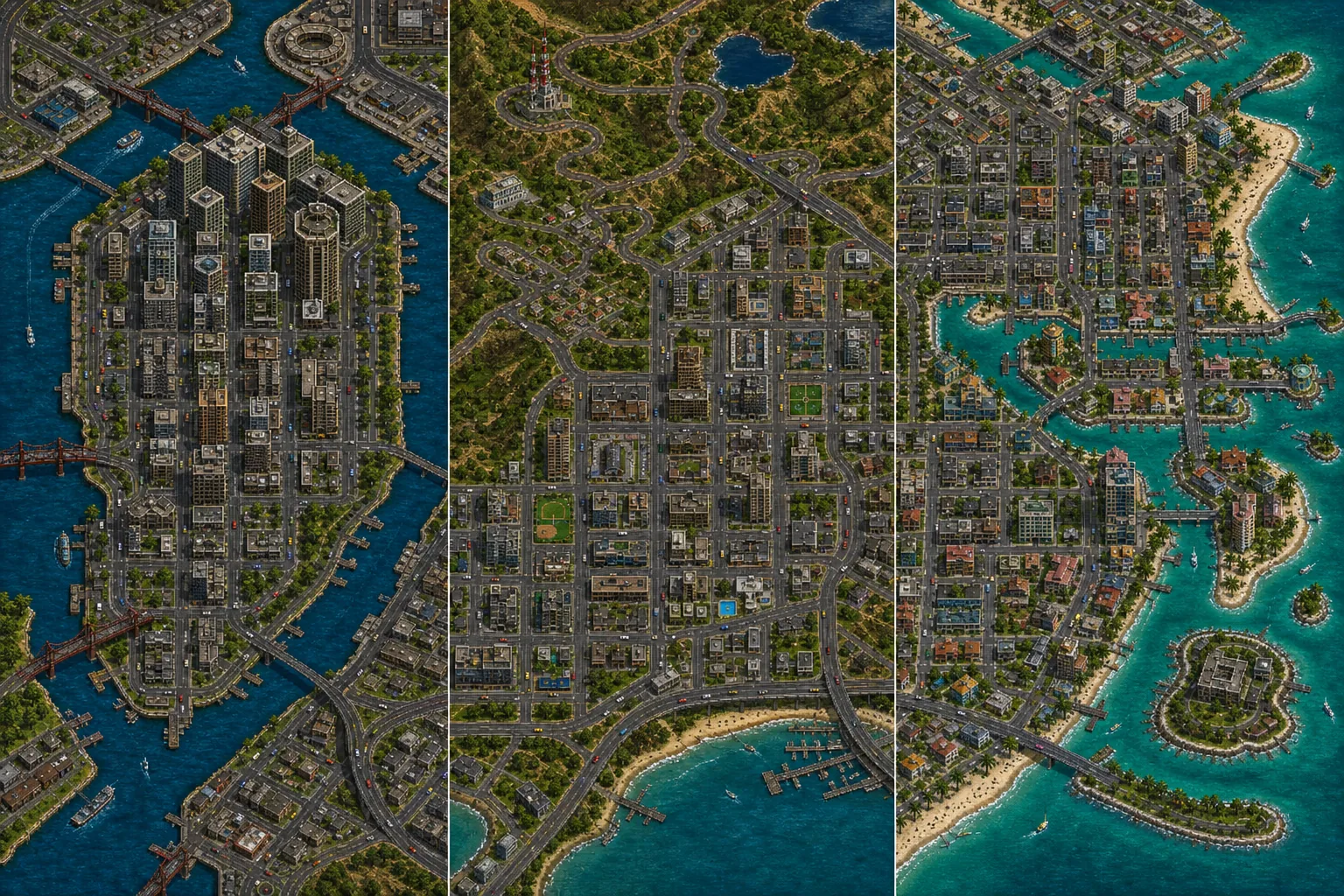
Every Multi Theft Auto server in one list — roleplay, racing, DayZ and deathmatch. English-language servers have their own quick filter and a weekly ranking.
Live from the public MTA server list
Star the servers you play on. Next time you'll see right here how many people are on them.
Loading the server list…
MTA checks and patches the game itself
Download the installer from multitheftauto.com and point it to your GTA San Andreas folder during installation. MTA installs alongside the game and leaves the original files alone.
Once MTA is running, open Settings and fill in your nick. Roleplay servers usually want the Firstname_Lastname format.
Click Connect next to a server on this page — MTA opens straight on it. Otherwise choose Quick Connect in MTA and paste the copied address.
On your first join the server sends its files. On big roleplay servers this can take several minutes; later joins are quick.
Registration happens on the server — right in the game, or on the server's website and Discord. Roleplay servers often have an entry interview too.
The most common problems and fixes
| What happens | Why | What to do |
|---|---|---|
| MTA won't start or reports a problem with gta_sa.exe | Damaged or modified game files, or missing Windows components. | Run MTADiag, the official diagnostic tool from the MTA website, and follow its output. |
| The download gets stuck on one file | An overloaded server or a dropped connection. | Disconnect, wait a moment and reconnect; files already downloaded aren't deleted. |
| Kicked with an AC code | The anti-cheat found a program that mustn't run alongside the game (overlays, memory editing tools). | Close suspicious programs and overlays; the MTA wiki explains the codes. |
| Serial ban | MTA bans by the computer's serial number — the ban applies even after changing your nick. | Contact the server's admins; evading a ban usually ends in a permanent ban. |
| The server isn't in the list | The server is offline or doesn't announce itself to the public list. | Connect via Quick Connect using its IP and port. |
Every 15 minutes from the public MTA server list. Servers report their player counts themselves; we just collect, sort and store them in the history.
Development and test servers announce themselves too. That's why empty servers are hidden by default — untick “Hide empty” to show them again.
From tags in the name such as [EN] or words like English or International. MTA doesn't list a server's language, so a server without such a tag won't appear among the English ones.
Every hour we store the player count on every server. The English-language ranking sorts servers by their average over the last seven days, so a single event night can't flip it.
MTA has more modern scripting, custom models and more game modes; SA-MP and open.mp have more classic roleplay servers. The multiplayer guide compares them side by side.
The multiplayer guide puts MTA, SA-MP and open.mp side by side. And SA-MP has its own browser.