How often is the list refreshed?
Every 15 minutes. Servers report their player counts to the public open.mp list themselves; we just collect, sort and store them in the history.
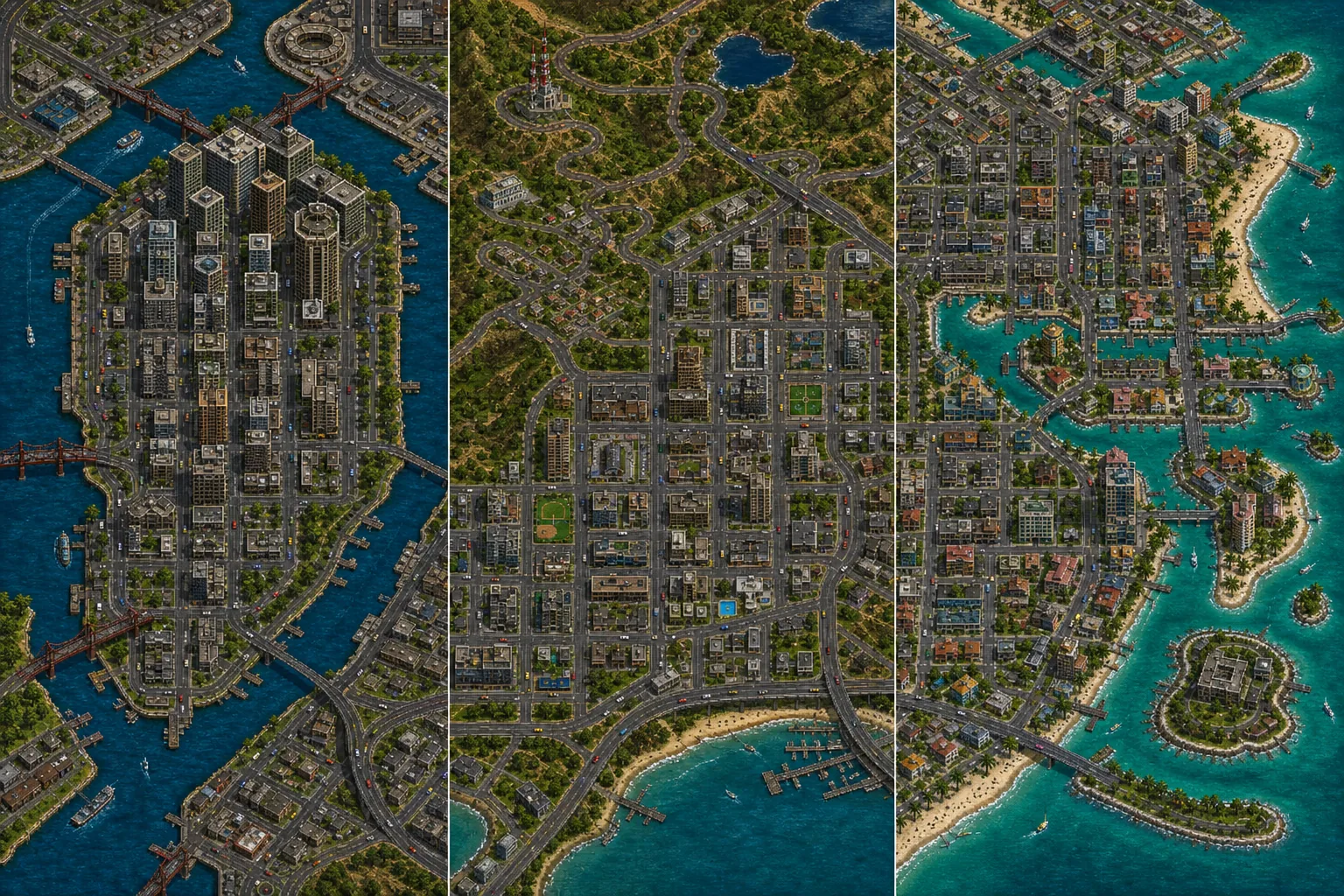
Over a thousand SA-MP and open.mp servers in one list. Filter by language and game type, save your favourites and see when they're busiest.
A live list, not a ranking copied from 2015
Star the servers you play on. Next time you'll see right here how many people are on them.
Loading the server list…
Playing on your phone? Read what's going on with SA-MP on mobile →
From checking your game version to your first spawn
Open your game folder and look at gta_sa.exe. SA-MP and open.mp both need version 1.0 — a newer exe from Steam or the Rockstar Launcher is rejected by the client, or the game crashes after connecting.
Download the launcher from the official open.mp website, or the classic SA-MP client. During installation, point it to the folder containing gta_sa.exe.
Fill in your nick at the top of the client. It must be 3 to 20 characters long, with no spaces and no accented letters. If you're heading to a roleplay server, use the Firstname_Lastname format straight away, or the server won't let you in or an admin will rename you.
Click Connect next to a server on this page — if you have the client, the game opens straight on that server. Otherwise copy the IP, choose Add Server in the client, paste the address and double-click to connect.
On your first join the server asks you to register — usually you type a password right in the game. That's the account you'll play on, so don't forget the password.
Roleplay servers in particular have rules (DM, MG, PG and other abbreviations) on their website or Discord. Breaking them gets punished fast, so it pays to know them before you start playing.
The most common messages and what they mean
| What happens | Why | What to do |
|---|---|---|
| Unacceptable NickName | Your nickname has a space, an accented letter or a forbidden character, or it's shorter than 3 or longer than 20 characters. | Change the nick in the client — letters, numbers and underscores only, e.g. John_Smith. |
| Server didn't respond. Retrying… | The server is down, the IP or port is wrong, or a firewall is blocking the connection. | Check the address, try the server again in a moment and allow the client through the firewall if needed. If it's down, pick another one. |
| The game crashes while loading or right after connecting | An incompatible gta_sa.exe version, or conflicting mods (CLEO, ENB, modified files). | Make sure you have version 1.0 and try a clean game install without mods. |
| The Connect button does nothing | The client didn't register samp:// links. | Copy the IP and add the server in the client manually. |
| Wrong server password | The server is password protected (marked with a lock here). | The admins hand out the password — usually on the server's Discord. |
| The server is full | The server is full. | Try again in a while or pick a similar server from the list. |
| You are banned from this server | You're banned — by nickname or IP. | Contact the server's admins; evading a ban usually ends in a permanent ban. |
Every 15 minutes. Servers report their player counts to the public open.mp list themselves; we just collect, sort and store them in the history.
A server has to announce itself to the public list. Some have that switched off, others are simply down. You can still connect to them by IP.
From the language the server states and from tags in its name such as [EN]. It's detected automatically, so it occasionally gets it wrong — a server that doesn't present itself as English won't show up in the quick filter.
Every hour we store the player count on every server. The English-language ranking sorts servers by their average over the last seven days, so a single event night can't flip it.
Hardly any for players — open.mp is backwards compatible, so you can join most of its servers with the classic SA-MP client. The “open.mp only” filter shows servers already running on the new open.mp server.
The guide explains game versions, installation and roleplay rules. And if MTA appeals to you more, it has its own browser.